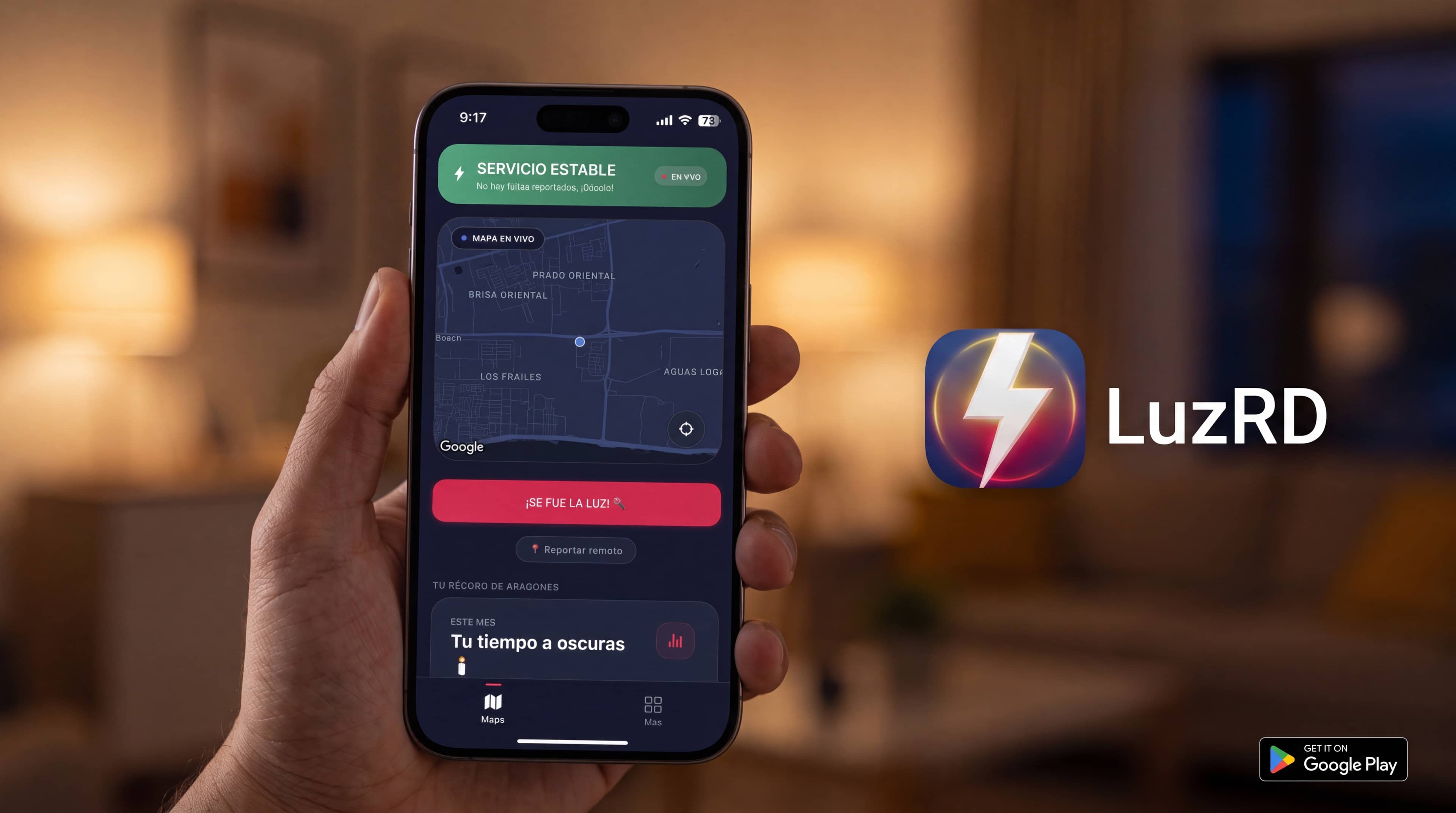
LuzRD: the real-time power outage map of Dominican Republic
Monitor power at home, work, or any sector remotely
Know instantly if there's power at your destination before leaving. Save your home, work, or business in the app and receive instant alerts when neighbors report an outage.
Official notices
Official maintenance and outages (EDE)
Notices from EDEEste, Edenorte, and Edesur, kept apart from the map neighbors make. It updates when a new one comes out.
Live map of your neighborhood
Each zone shows what neighbors report. Red is a confirmed outage; cyan is an unconfirmed report. Colors do not come from the utility company.
—
Zones with activity now
—
Neighbor reports (24 h)
Live
Community data
This map combines real-time neighbor reports with official utility maintenance and outage notices. View the complete list in Notices.
- Confirmed outage (Hive)2 or more neighbors reported no power
- Unconfirmed reportOne neighbor reported · not a confirmed outage yet
- Unstable power (Flicker)Power is intermittent in the area
- Split votesReports both for and against
- Utility noticeAmber dot (maintenance) or rose (outage). Tap for schedule and official notice
The map leads with live neighbor power status. Amber or rose dots are utility notices: tap one for details. The full list is in Notices.
Loading map...
- Report from your phone
- Alerts for your area
- Nationwide map
LuzRD is an app to see outages near you, report power cuts, and get alerts. The map is powered by neighbors across the Dominican Republic, including EdeEste, EdeSur and EdeNorte areas.
Why use the LuzRD app?
Three simple steps. The web is for viewing; the app is for acting.
Save your zones, report outages, and get alerts even when you're not home.
- 1
Save your zones
Mark home, work, or business. From your phone, see power status there even if you're somewhere else.
- 2
Report with 1 tap
Power out: one tap and done. If there's no data, the report is saved and sent when signal returns.
- 3
Get the alert
If neighbors report an outage in one of your zones, you get a phone alert without watching the map.
Just your place or the whole sector?
When power goes out where you are, confirm in seconds if it's only your building or a neighborhood outage.
Outages won't stop you
Report even without internet: the app saves it on your phone and uploads it when you're back online.
Fewer chats, more certainty
Stop asking in the building WhatsApp: see and get alerts from real neighbor reports.
Make your area visible
Every report strengthens the community map and shows the real state of the power service.
Frequently asked questions
The essentials to understand what LuzRD is for and why to download the app.
What is LuzRD for?
To see if there's an outage nearby from neighbor reports, report when the power goes out, get alerts, and check official utility notices (EDEEste, Edenorte, Edesur). The map is community-run; official notices live on a separate page.
If I can already see the map on the website, why download the app?
The website is for viewing the map. The app is for reporting (that updates the map), saving reports even without internet, and getting alerts where you live or work. Without the app, the map does not hear what is happening in your neighborhood.
Where does the map data come from?
From reports people make with the LuzRD app. Each zone shows what neighbors there say about the power, not a statement from EdeEste, EdeSur, or EdeNorte.
Is this official information from the utilities?
The map is not: neighbors report it. Official maintenance and outage notices from utilities are in Notices. LuzRD is not the utility: here you see those notices and, separately, what people report.
Can I report an outage from the website?
No. Reports are made only from the mobile app, so each report comes from someone on site. That's why, if you want to contribute or get alerts, you need to download LuzRD.
Where do official maintenance and outage notices come from?
From public notices released by the power utilities (EDEEste, Edenorte, Edesur). LuzRD brings them together in Notices and in the app. If you want to know where each one came from, it appears on the notice; you don't need that to browse them.
What time is the power coming back today?
Nobody can promise the exact time. Notices show scheduled cuts and outages published by utilities. The map shows whether neighbors already reported that power returned in your area.
How do I know if there's an outage in my neighborhood?
Go to luzrd.com, search your sector in Reports, or open the map. Red is a neighbor-confirmed outage. You can also download the LuzRD app and save your home so it alerts you.
Where do I download the LuzRD app?
On Google Play, search LuzRD or go to luzrd.com/descargar. The official package is com.nathan.luzrd. The app is free.
What is the official LuzRD website?
luzrd.com and the app on Google Play. If you land on a similar domain, check that the address bar says luzrd.com before reporting or downloading.